In the last year I’ve been working with Adobe XD program to create wireframes and site page designs for a client business. Did I mention there is a free version?
Now what I would love to see added to this product is some thing that I have been missing for years…. the options of export and slicing to create HTML like they had in the Adobe ImageReady program. XD is not that program, but it’s filled a completely new space in the ImageReady hole that was left.
If you remember ImageReady it was a program that added onto Adobe Photoshop and made it easy to slice up your designs to export html. XD isn’t slicing designs, it’s creating a full design that then you can export developer notes and share prototypes.
If only they add an html and css export option it would blow my mind! Even maybe a plug-in that would help us create component specifications and the ability to export notes for AEM component building.
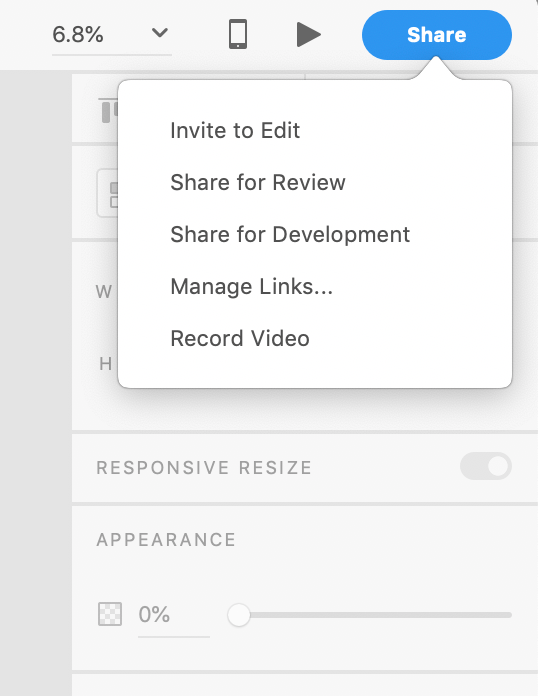
It’s been so easy to learn and use as I’ve worked with the other Adobe product lines. I feel as if someone can master the program in a month. Not to mention you can share and comment on your designs if using the Creative Cloud sharing function.
Working closely with IT, I have found the teams I work with are also excited about leveraging XD as it can give them details down to fantasize, padding and layout that can help them quickly create the css.
Adobe has templates and informative walk through videos on how to use it here: https://helpx.adobe.com/xd/tutorials.html
For myself the hardest thing to get used to was creating prototypes – which was not hard per-say, but took me the longest to master.
Examples of wireframes you can create are below, what I intend to check out is the grid settings functionality where you can map columns into your page that will contain your layout.
How to set up grids in XD with free templates that align to GRID Layout:
You have to check out this amazing program if you need a new way to create web pages or app designs.
 Web Content Management